ChimpMatic connects Contact Form 7 to the email platform you already use. One plugin covers eight integrations: Mailchimp, Brevo, MailerLite, Klaviyo, Campaign Monitor, GetResponse, EmailOctopus and Moosend. So you pick a provider inside any form, map your fields, and every submission lands in the right list.
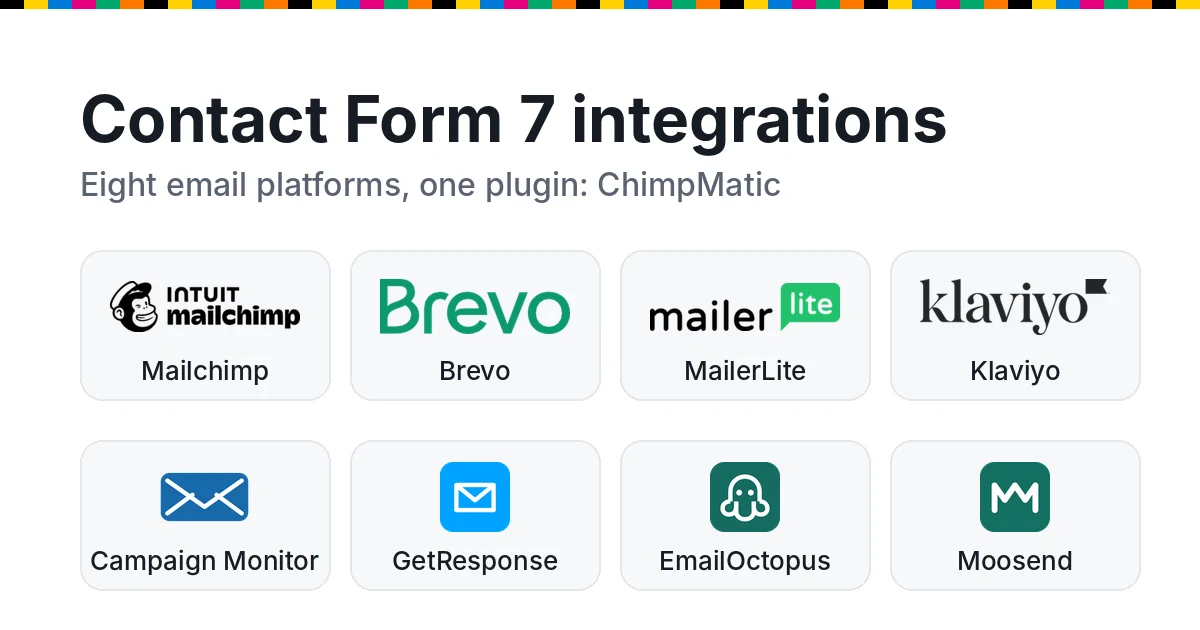
All eight integrations
Each guide below walks you through that provider’s API key, list choice, field mapping and opt-in behavior.
 Mailchimp
Connect with one-click OAuth or an API key, then choose an audience, map merge fields, and pick single or double opt-in for each form.
 Brevo
BrevoPaste an API key, then choose a list and map contact attributes. You can subscribe people directly or send a confirmation email first.
 MailerLite
Paste an API token, then choose a group and map subscriber fields. Double opt-in follows your account setting, so nothing is overridden.
 Klaviyo
Paste a private API key, then choose a list and map profile properties. Confirmation follows the list, so your flows keep working.
 Campaign Monitor
Paste an account API key, then pick any client's list and map custom fields. Each list keeps its own single or confirmed opt-in setting.
 GetResponse
Generate an API key, then pick a list, which GetResponse calls a campaign. After that, map the name and your custom fields.
 EmailOctopus
Create an API key, then pick a list and map its fields. On double opt-in lists, new contacts stay pending until they confirm.
 Moosend
Copy your API key, then pick an email list and map custom fields. It adds new subscribers only, so existing ones are never overwritten.
How it works
- First, install ChimpMatic Lite and edit any Contact Form 7 form.
- Next, open the Chimpmatic tab, choose your provider and connect your account.
- Then select the destination list, audience or group, and map your form fields.
- Finally, set the opt-in behavior, save, and submit a test entry.
Each form has its own Chimpmatic tab. That means different forms can feed different providers, lists or campaigns on the same site.
Which of the integrations fits you?
Start with the platform you already pay for, because moving lists is the expensive part. If you are still choosing, these rules of thumb help:
- Mailchimp has the deepest support, including one-click OAuth and per-form double opt-in.
- Brevo, MailerLite and EmailOctopus suit smaller budgets, since all three have free plans.
- Klaviyo fits stores that run their marketing on flows.
- Moosend only ever adds new subscribers, so existing contacts are never touched.
Lite and Pro
ChimpMatic Lite is a complete, free plugin. It covers every provider above, the required email field plus up to four mapped fields, and per-form consent controls. Meanwhile, ChimpMatic Pro adds advanced provider features, expanded field mapping, advanced consent controls, subscriber tools and priority support.